Trimester Three Report Cards
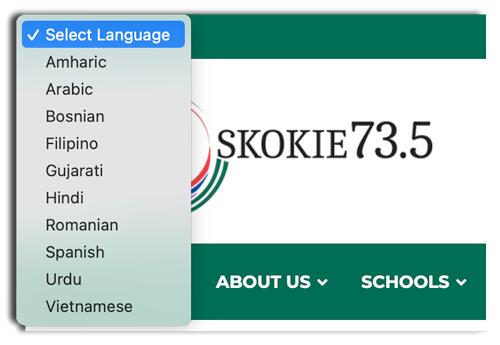 Click the Translate button at the top of the page to translate the text
انقر فوق الزر "ترجمة" أعلى الصفحة لترجمة النص
Haga clic en el botón Traducir en la parte superior de la página para traducir el texto
I-click ang button na Isalin sa tuktok ng pahina upang isalin ang teksto
متن کا ترجمہ کرنے کے لیے صفحہ کے اوپری حصے میں ترجمہ کے بٹن پر کلک کریں۔
Nhấp vào nút Dịch ở đầu trang để dịch văn bản
June 8, 2026
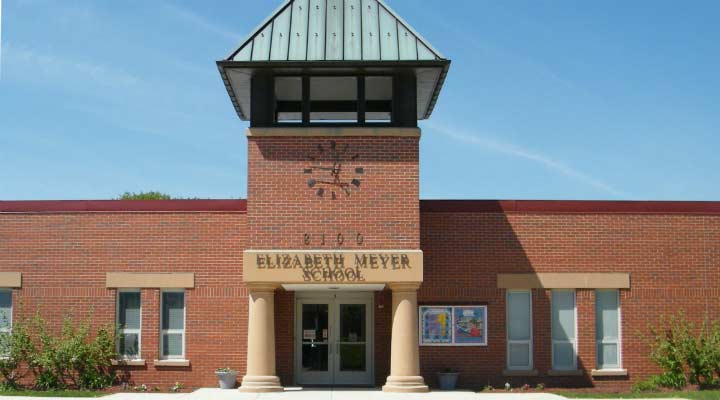
Dear Meyer Families,
We have had a wonderful school year, getting to know your children and seeing so much growth from our Meyer Shining Stars! To view your student’s academic progress, please see below for information on how to access the Trimester 3 report card.
Thank you for your support and partnership. Enjoy the summer!
Sincerely,
Dr. Helen Wei
Principal
Please see “How to View Report Cards Online” here for a step-by-step guide to viewing your child’s report card in the PowerSchool Parent Portal.
If you would like to request a print copy of your child’s report card, please complete the Print Report Card Request Form. A print copy of the report card can be sent by postal mail to the student’s Home Address on file in PowerSchool OR prepared for pickup by arrangement with the school office IF…
- The name, email address, and relationship to student submitted on the form matches the Student Contact information on file in PowerSchool
AND - The individual requesting and picking up the report card is authorized for PowerSchool access to student data.
If the above requirements are not met, the print report card will not be prepared. Please call the Meyer office at 847-673-1223 as needed for assistance.